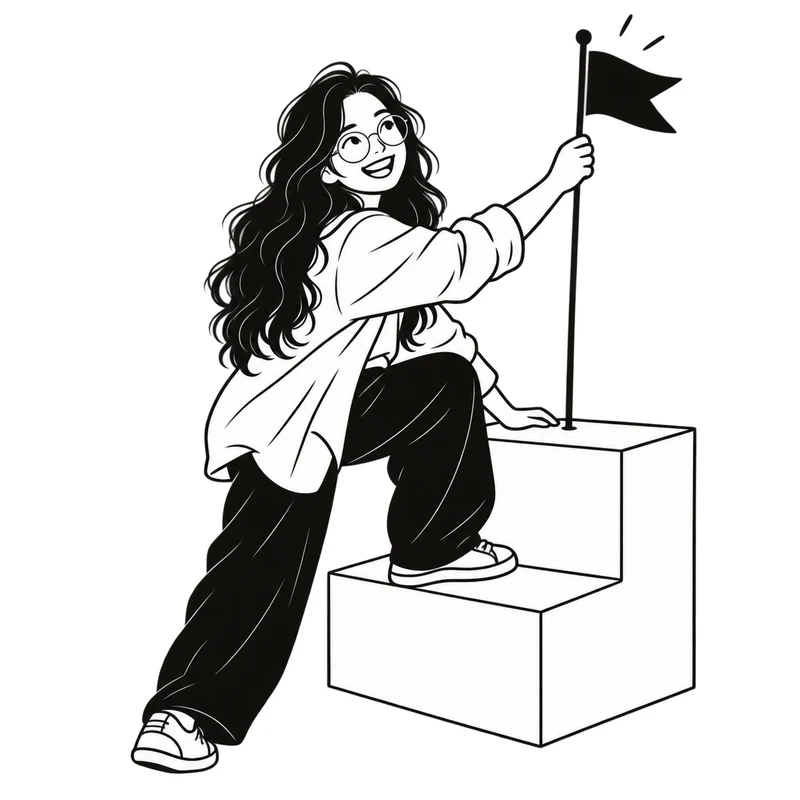
Goals
A goal names the direction
Make space for what matters. Break your ambitions into specific goals and keep the next step in sight.
 Day Conductor
Your goals, routines, tasks, and habits. One thoughtful place to turn what matters into a day you can follow.
A clear plan. Room to be human.

Now: A little focused work for Write the book, until 11:30
Outline the next chapterWrite the book
A 48-second film about how Day Conductor works. Press play, sound on.
A short tour of the app, and the research behind each step.
Across decades of research, specific, challenging goals usually led to better performance than “do your best.”
Locke & Latham, 2002Deciding in advance when and where to act made follow-through more likely. The effect is small, and larger when both a time and a place are named.
Sheeran, Listrom & Gollwitzer, 2025In six lab experiments, a specific plan for an unfinished task reduced intrusive thoughts about it.
Masicampo & Baumeister, 2011Short pre-set breaks left students less tired and more focused, with the same output. A later study found no difference, so the rhythm is yours to set.
Biwer et al., 2023Smits et al., 2025New daily habits took a median of 66 days to feel automatic, from 18 to 254 days. A single missed day barely mattered.
Lally et al., 2010Across 138 studies, monitoring progress helped people reach their goals, more so when progress was written down.
Harkin et al., 2016These studies tested the methods, not Day Conductor itself. Results vary from person to person.

Open your day and find a little direction. Your routine sets the rhythm, your tasks give you a next step, and your habits keep you coming back.
Make room for what mattersWrite the book
Everything has a place. Everything connects.
A goal names the direction
Make space for what matters. Break your ambitions into specific goals and keep the next step in sight.
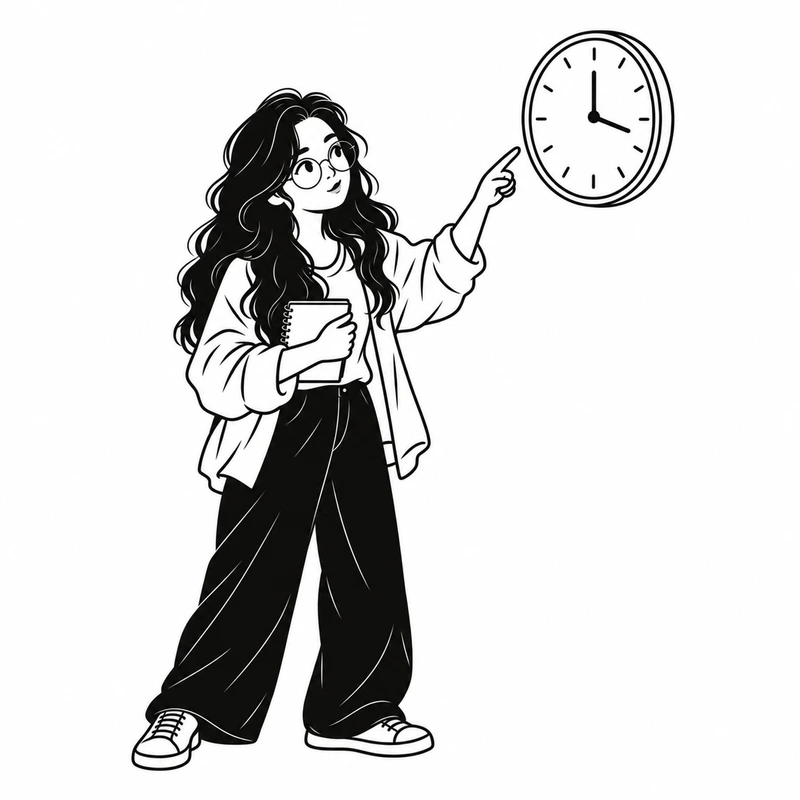
A routine gives it hours
Give your goals a place in your week. Build a rhythm you can follow, with room for life to happen.
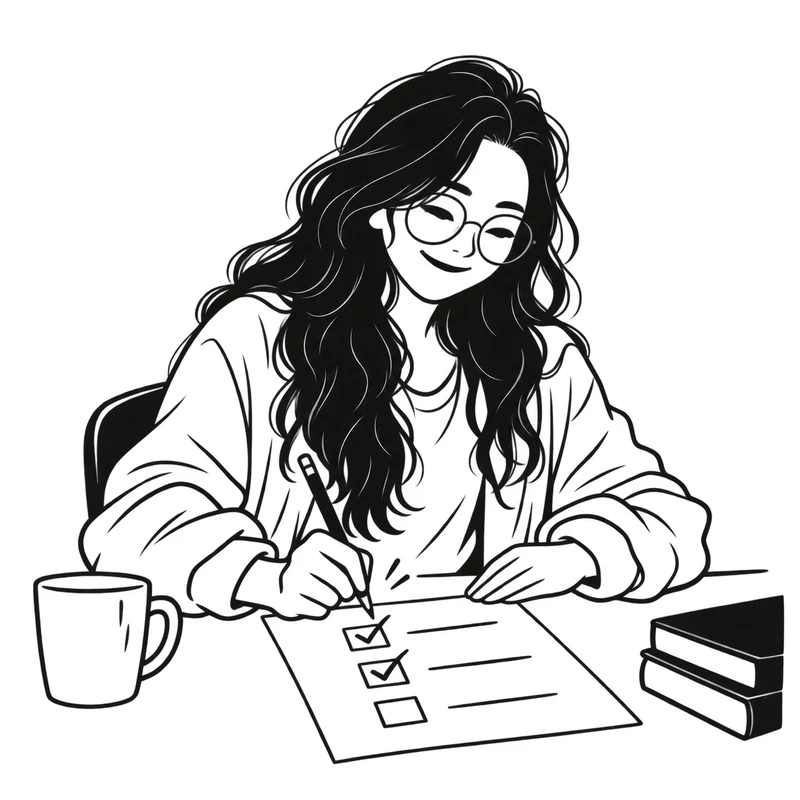
One thing at a time
Capture one-time actions, connect them to a goal, and organize them into categories. Then enjoy checking them off.
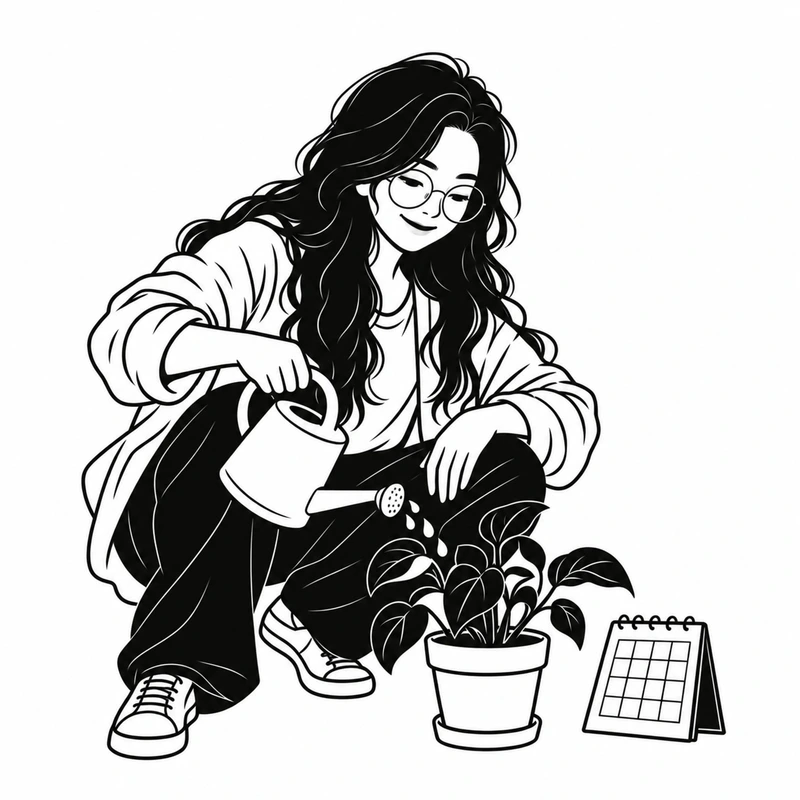
Small actions add up
Build habits around your goals. Check in each day and watch your progress grow, one square at a time.

Start with one goal. Find your rhythm from there.
Find your next stepWorks offline. Syncs when you reconnect.